 PRAIRION
One process, end to end
For example, take a request from intake through assignment, status tracking, and review.
You leave with
- A scoped application with agreed user roles
- A working version to test with your team
- Handover notes and a support plan
“The software we use doesn’t do what we need.” If that sounds familiar, let’s build a practical tool around your actual workflow.
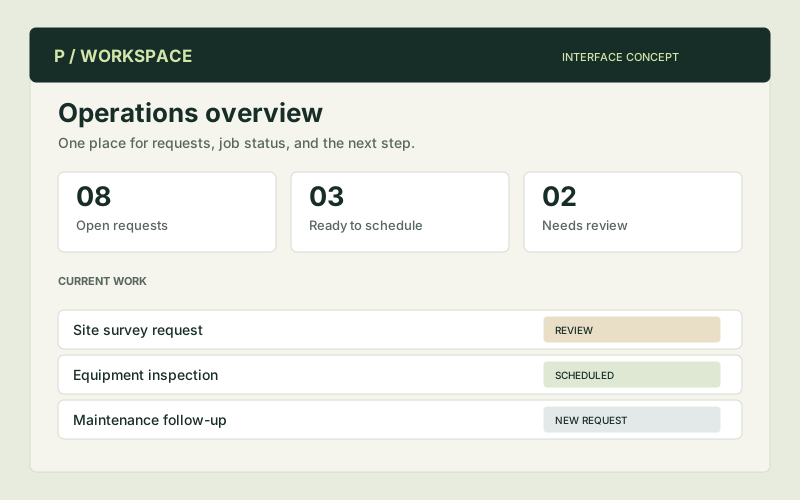
Think intake forms, assignment queues, job tracking, inspection records, reporting dashboards, or connections between tools. The goal is to remove a specific piece of friction.
Illustrative concept. The final system is designed around the agreed project.
A useful engagement can focus on one recurring job, one workflow, or one connection between systems.
For example, take a request from intake through assignment, status tracking, and review.
Bring an agreed dataset or export into a dashboard that answers a specific business question.
Move or transform information between two agreed systems, with clear handling for exceptions.
These are example starting scopes, not fixed packages. Deliverables, schedule, cost, and any ongoing support are agreed before work begins.
A working application also needs a practical way to fit into your business. The handover and ongoing responsibilities are part of the conversation.
A clear conversation is a useful place to start. You don’t need a technical brief.